


Bookings
How do I see the weekly schedule?
In addition to the board's daily view, the weekly schedule shows a court's occupancy for the whole week.
1. Open the weekly schedule
Left menu → Book → Weekly schedule.
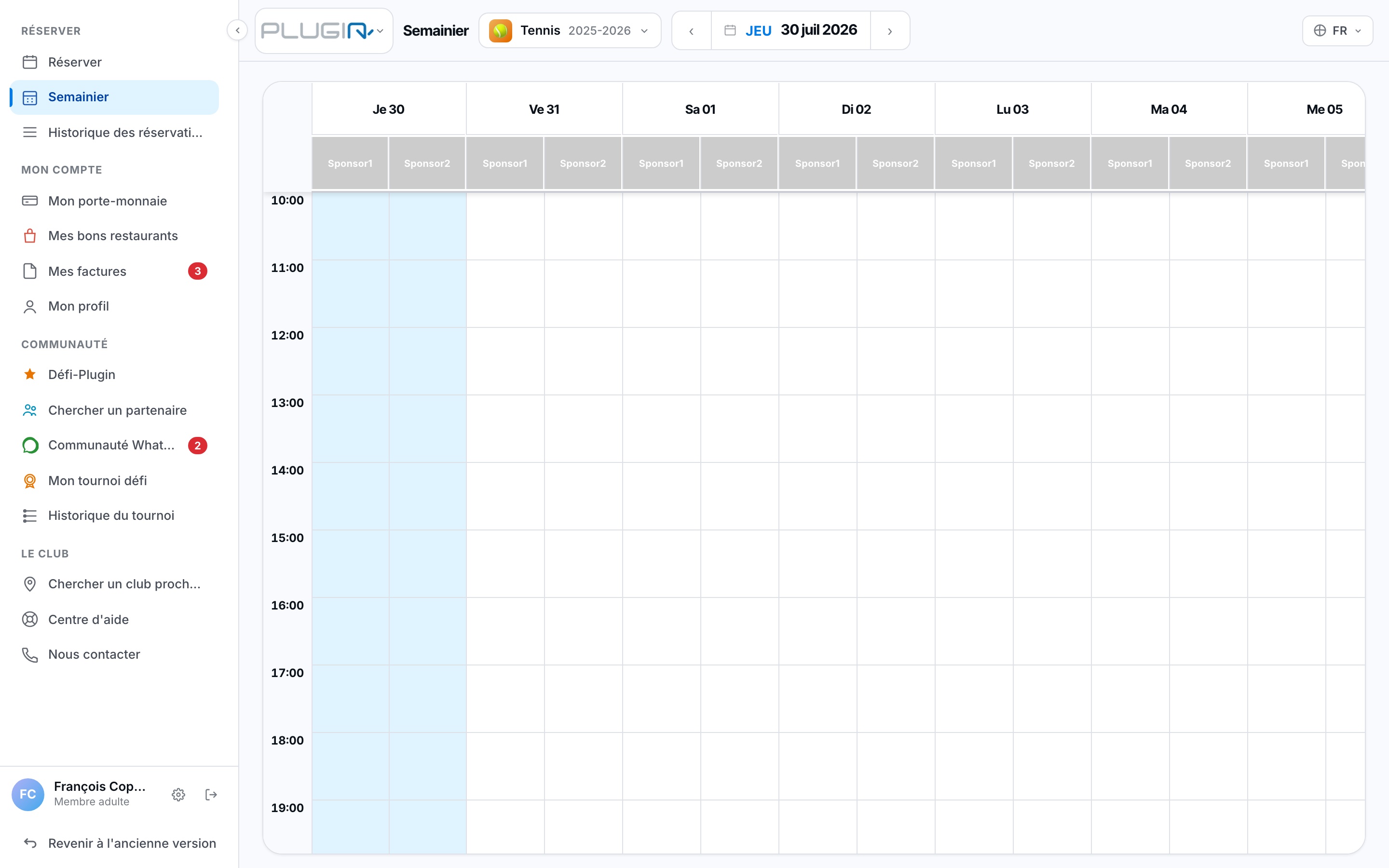
The weekly schedule view
2. Browse and book
Choose the court and the week you're interested in: you can spot free slots at a glance, and book directly by clicking an available slot.
Plugin.ch Tutorial — Bookings